100% IN-BROWSER PRIVATE · ZERO QUALITY LOSS

Check It. Fix It. Then Post It to TikTok, Reels & Shorts.

Find hidden CapCut & GPS metadata, 9:16 caption safe-zone collisions, and -14 LUFS audio issues before uploading — free scan, 1-click fixes from £1.99.

Drop 1 or up to 10 videos here, or tap to browse

Inspect CapCut/Lavf & GPS tags, 9:16 caption safe zones, 3:4 profile covers, and -14 LUFS audio.

No account required • Free complete diagnostic scan • 1-Click Fixes from £1.99
EXAMPLE SCAN · AFTER APPLYING FIXES
BEFORE · 54/100
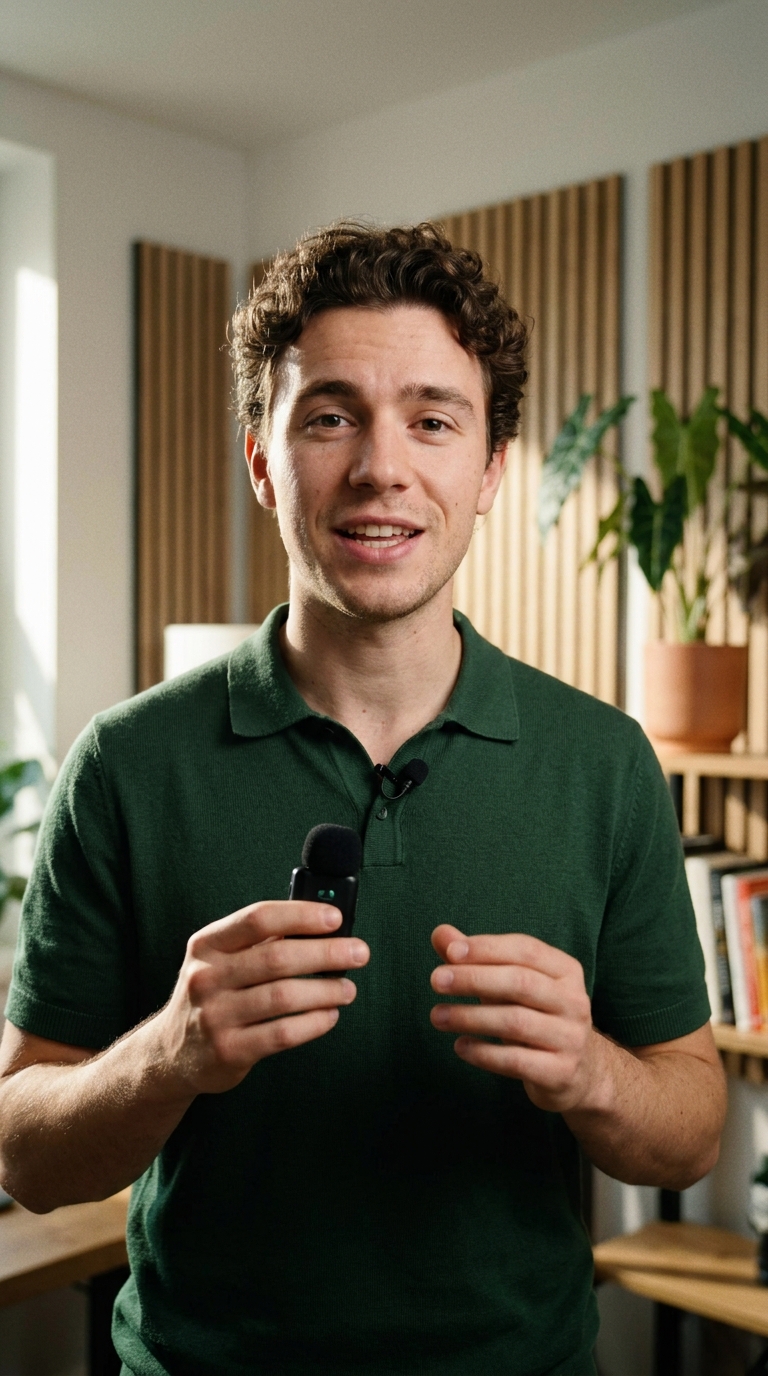
Creator 9:16 Video Before UploadCorrect Check
Top UI Zone
"Stop posting before checking these 3 settings..."
⚠️ Caption Cut Off by UI
⚠️ Encoder metadata detected
⚠️ GPS metadata found
⚠️ Captions overlap interface
98/100 · Ready to Post
Creator 9:16 Video After UploadCorrect Fixes
✓ 9:16 Safe Zone
"Stop posting before checking these 3 settings..."
@creator • Original Audio
✓ Metadata removed
✓ Captions inside safe zone
✓ Audio normalized to −14 LUFS
✨ What Your Free Scan Checks — All 6 Diagnostics Included:
🛡️ Strip CapCut, AI/C2PA & GPS Tags 📐 9:16 Safe Zones & Cover Crop 🔊 Audio Loudness, One-Ear & Loop Fix ♻️ Fresh Hash & Timestamp Sync 👄 VFR Lip-Sync & Bitrate Crush Check 📝 Caption Mask & Subtitle Rescue
SOCIAL MEDIA UPLOAD SIMULATOR

See how your video will look before you post.

Preview your video across TikTok, Instagram Reels and YouTube Shorts. Spot potential cropping and interface overlaps before uploading.

Example Demonstration
▶ Preview Frame
Following For You
@creator_account Preview your caption here with hashtags #fyp #viral #trending ♫ Original Audio — UploadCorrect
+
24.5K
384
1.2K
Share
Home Now + Inbox Profile
Text Safe Zone
0:00 / 0:00
SAFE-ZONE COLLISION SCANNER

Keep your captions where people can see them.

Check whether important text and visual elements could be covered by social media buttons, captions or interface controls.

Illustrative Comparison
BEFORE: CLASHING CAPTIONS ACTION NEEDED
9:16 Video Canvas
NEW PRODUCT LAUNCH 2026!

Subtitles placed near edges or bottom right clash directly with native like counters, comment buttons, and account descriptions.

AFTER: RECOMMENDED POSITIONING RECOMMENDED PLACEMENT
9:16 Video Canvas
NEW PRODUCT LAUNCH 2026!

Text positioned safely within vertical bounds. 100% visible on TikTok, Instagram Reels, and YouTube Shorts.

UploadCorrect automatically detects text overlapping UI controls during the scan. Caption repositioning is performed in your editing app using our safe-zone guides.

AUDIO QUALITY & EXPORT OPTIMISATION

The right audio and format for every platform.

Audit true peak levels, eliminate digital clipping, and prepare your container with zero compression loss.

WEB AUDIO API SCANNER Example Audit

Great video deserves great audio.

Detect clipping, unusual silence and audio compatibility issues before publishing.

  • Sample Rate: 48.0 kHz Standard (Passed)
  • Audio Configuration: Stereo 2ch (Passed)
  • True Peak Headroom: -1.2 dBFS (Optimal)
  • Digital Clipping: 0 Frames (Clean Playback)
SMART EXPORT ADVISOR Deterministic Path

The right format for every platform.

Check your video’s settings and see which adjustments are recommended for TikTok, Instagram Reels and YouTube Shorts.

  • Original Video
    1080×1920 (9:16) • H.264 • CapCut Tags
    ACTION NEEDED
  • Recommended Strategy
    Lossless Stream Copy (Zero Re-encoding)
    OPTIMAL
  • Streaming Structure
    Fast-Start moov Atom Alignment
    PASSED
  • Platform Match
    TikTok, Reels & Shorts Native
    ALIGNED
VERIFIED QUALITY GUARANTEE

Every change. Checked and verified.

See what changed, what stayed the same and which quality checks passed after processing.

Illustrative Report Preview
ORIGINAL VIDEO ACTION NEEDED
79 / 100
  • CapCut & Lavf editing tags detected
  • Embedded GPS location telemetry (ISO 6709)
  • Non-aligned atom order (delayed social playback)
PREPARED VIDEO VERIFIED READY
98 / 100
  • CapCut & editing tags purged
  • GPS telemetry purged (Privacy secured)
  • Clean QuickTime camera profile applied
  • 100% Bit-for-bit lossless video stream copy

Automated Pre-Release Validation

PASSED

Every output file undergoes automated release validation with zero decode errors before unlocking downloads.

  • Container Box Structure & Atom Timescale PASSED
  • Lossless Stream Integrity (0.00% Re-compression) PASSED
  • Browser Frame Decode Verification Test PASSED
  • Third-Party Metadata Purge Verification PASSED
HOW IT WORKS

Three simple steps to verified upload readiness.

Scan for free, review your technical score, and prepare your file in seconds.

1

Upload your video

Select or drag any MP4 or MOV file. Analysis runs 100% inside your web browser with zero server upload latency.

2

See your Video Health Score

Review an objective 0–100 technical rating across platform compatibility, container integrity, audio quality, and safe zones.

3

Fix issues and download

Pay £1.99 to sanitize editing signatures and GPS leaks with 100% lossless stream copying and a verified audit report.

TRANSPARENT SPECIFICATIONS

What UploadCorrect can fix — and what it cannot.

Clear technical standards and honest capabilities for every content creator.

What UploadCorrect Can Fix

  • Editing software signatures: Purges CapCut, Lavf, Adobe Premiere, DaVinci Resolve, and InShot stamps from container atoms.
  • Privacy & GPS coordinates: Strips embedded ISO 6709 geolocation tags, latitude/longitude markers, and filming locations.
  • Fast-start web alignment: Re-orders the moov atom ahead of media payload for progressive instant social playback.
  • Device & camera metadata: Formats the container with clean QuickTime camera metadata while maintaining full file validity.
  • Lossless stream copy: Never re-encodes or degrades video frames. Video payload remains bit-for-bit pristine.
  • Audio quality & clipping audit: Web Audio API PCM analysis flags digital clipping, 48 kHz compliance, and dead air silence.
  • Safe-zone conflict warnings: Frame inspection warns if subtitles collide with platform engagement rails or caption descriptions.
  • Verified Quality Guarantee: Automated 6-point pre-release inspection generates a downloadable verification certificate.

Honest Technical Limitations

  • Aspect ratio re-shooting: If a video is recorded in 16:9 widescreen, we cannot rotate or crop it into 9:16 without altering the framing.
  • Visible watermarks: Text or logos rendered directly onto the video pixels cannot be removed without re-rendering the footage.
  • No algorithm guarantees: We do not claim to bypass TikTok view limits or guarantee viral reach. We deliver technically verified files.
  • Audio stream presence: If a source video has no audio track recorded, we do not synthesize artificial background music.
COMPLETE 2026 CREATOR PREFLIGHT SUITE

Built for TikTok Shop, Reels, Shorts & High-Volume Creators.

Everything you need to fix safe-zone collisions, normalize -14 LUFS audio, validate .SRT/.VTT subtitles, and batch-clean up to 10 videos at once.

1

1-Click Safe-Zone Auto-Reframe

Captions or bottom hooks colliding with the TikTok description drawer? Preview your 9:16 video elevated and scaled (`86%`) inside the 100% clear safe zone over an ambient blurred canvas.

2

-14 LUFS Audio & Peak Limiter

Prevent TikTok and Instagram Reels from ducking your voiceover. Measure integrated loudness in LUFS and preview real-time Web Audio `-14 LUFS` normalization with a `-1.0 dBFS` true-peak limiter.

3

Upload Compatibility & tkhd Rescue

Inspect MP4/MOV `tkhd` 3×3 orientation matrices for 90°/180°/270° sideways rotation bugs, verify progressive `moov` fast-start alignment, and reset container headers losslessly.

4

Batch Multi-Video Queue (Up to 10)

Drop up to 10 MP4 or MOV files at once to audit every video’s 0–100 Health Score in a unified queue and clean the entire batch with the £6.99 Creator 10-Pack (69p per video).

5

.SRT / .VTT Subtitle Safe-Zone Validator

Upload or paste `.SRT` and `.VTT` caption files to spot overlapping cues or lines over 42 characters, preview live subtitles inside the 9:16 simulator, and export a safe-positioned `.VTT` file.

6

TikTok Shop Anchor & Spark Ads Mode

Toggle the orange TikTok Shop product anchor card (`138px` bottom offset) in the simulator so product links never cover your subtitles, and verify 5-point Spark Ads eligibility.

SIMPLE TRANSPARENT PRICING

Pay as you go. No subscription traps.

Scan for free. Pay only when you want UploadCorrect to apply supported fixes and prepare your final video.

Everything your video needs. £1.99.

Single video preparation includes all core fixes, quality checks, and downloadable reports with zero ongoing commitments.

Supported metadata cleaning
Video & audio quality audit
Fast-start streaming alignment
100% Lossless stream copying
Downloadable verification report
Prepared video download

Single Video Fix

For individual creators needing a quick, verified clean video.

£1.99 one-off
  • 1 Video fully prepared & verified
  • Purge CapCut, Lavf & editing tags
  • Strip GPS location coordinates
  • 100% Lossless stream copying
  • Downloadable verification report

30-Day Creator Pass

For agencies, social managers and high-volume posting.

£19.99 30 days
  • Unlimited video preparations
  • Valid across all devices
  • Priority browser thread execution
  • No recurring billing auto-renew
  • Full audit history verification
COMMON QUESTIONS

Frequently Asked Questions

Straightforward answers about our video processing, audio checks, and privacy.

No. UploadCorrect uses in-browser lossless stream copying. We operate directly on container atom headers without transcoding or touching the underlying H.264 or HEVC frame bitstream (the mdat atom). Your output file retains 100% of its original resolution, clarity, and bitrate.

The Video Health Score is a deterministic 0–100 technical rating across 5 categories: Platform Compatibility (30 points), Video Integrity & Export (25 points), Audio Quality (15 points), Metadata & Privacy (15 points), and Visual Safe-Zone Readiness (15 points). It evaluates technical container properties against published platform specifications.

The simulator renders your video inside a realistic phone mockup with actual interface overlays for TikTok, Instagram Reels, and YouTube Shorts. It lets you test whether subtitles, logos, or faces are hidden behind platform action buttons before you upload.

No. No legitimate service can manipulate social media recommendation algorithms or guarantee virality. UploadCorrect ensures your video container is technically sound, strips editing software tags, aligns container atoms for instant streaming, and protects your privacy.

No. Both the free technical scan, audio inspection, safe-zone checks, and paid preparation run 100% locally in your web browser memory via HTML5 Web APIs. Your video pixels never travel across the internet to an external server, protecting your privacy completely.

No account or password is required. You can scan videos immediately for free. When you choose to prepare a video, payment is handled securely via Stripe, and credits can be restored at any time using your email address.

Use the 1-Click Safe-Zone Auto-Reframe and TikTok Shop Anchor toggles inside the 9:16 Simulator, or upload your .SRT / .VTT subtitle file to validate cue timing and export a safe-positioned WebVTT file (`line:70%`) where every subtitle sits above the caption drawer and TikTok Shop product anchor.

TikTok, Instagram Reels, and YouTube Shorts normalize audio toward -14 LUFS integrated loudness with a -1.0 dBFS true-peak ceiling. UploadCorrect measures your track's loudness and lets you preview -14 LUFS loudness normalization with a real-time Web Audio peak limiter in one click.

Yes. Drag and drop up to 10 MP4 or MOV files at once into the scanner to audit every video's 0–100 Health Score in a batch queue and clean all 10 videos with the £6.99 Creator 10-Pack (just 69p per video).

READY TO PREPARE YOUR VIDEO?

Check your video health in seconds.

Free instant scan, audio check, safe-zone preview and metadata audit. Zero account required.

Scan My Video — Free